


Color + Style MFA

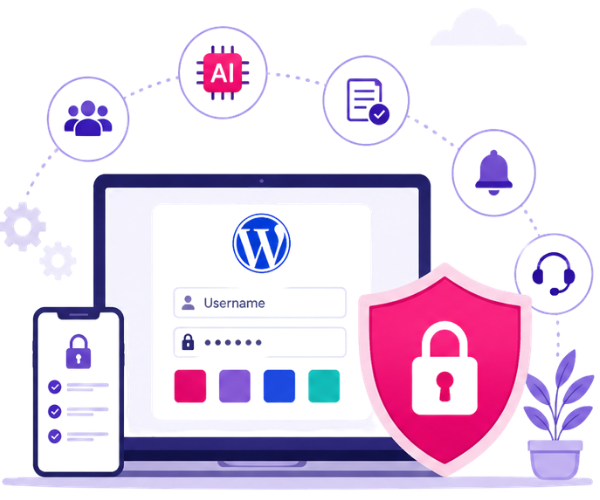
Passwords that go beyond text — multi-layer security using colors and styles protects sites from phishing and stolen credentials

SSO for Your Domain

One-password login (single sign-on) for your site, domain, or subdomain — powered by secure SAML integration.

Location & Device Trust

Get alerts and block logins from unapproved countries or unknown devices — only trusted locations and devices get in.

Analytics & Audit Logs

Track user logins, device activity, and access patterns with real-time dashboards and exportable audit logs — built for compliance.

Effortless Security with Interaction and AI — No Disruptions

Strengthen access, boost performance, and stay compliant with AI-powered, interactive authentication — all without slowing down your business.
Image

  • Protect logins with color-style authentication that stops phishing and bots in real time.
  • Works with BuddyPress, Elementor, WPBakery, Divi, and more
  • Enterprise-Level Security, Tailored for SMBs
  • Exportable audit logs for compliance
  • Fast issue resolution, and expert guidance.
  • 24/7 AI Monitoring and Real-Time Alerts.

Why Rainbow Secure is the Pioneer in Visual MFA

Traditional MFA is broken. It’s either too technical, too frustrating, or still vulnerable to phishing.
RainbowSecure changes everything by transforming how users interact with login security — making it visual, intuitive, and unbreakable.
First-of-its-Kind: Style + Color + Position = Secure Login
RainbowSecure is the only MFA plugin that lets users personalize login with:

00

17 million colors as font color

00

100+ font styles — including font name, size, bold, italic, underline

00

Position-based login elements — a world-first in MFA, where text placement becomes part of the authentication

00

17 million color as background color

00

Need to choose 1 or 2 style elements

Let the AI Handle the Bots — You Just Log In


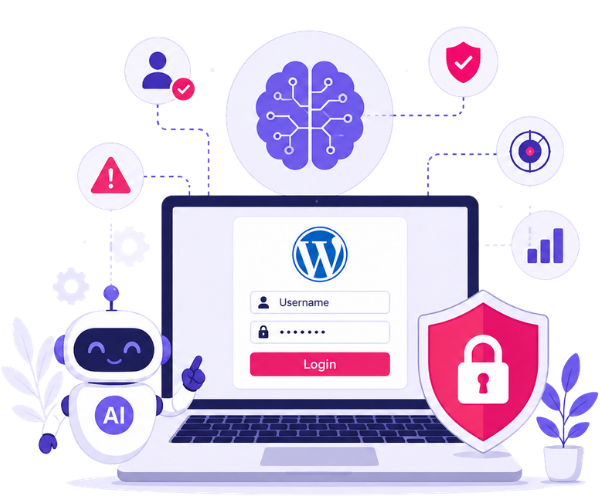
RainbowSecure combines smart user interaction with AI-driven protection to deliver seamless login security for WordPress sites — without frustrating your users or slowing down your business.

Behavior Analysis: Detects unusual login patterns

Real-Time Risk Scoring: AI evaluates login attempts instantly and blocks suspicious behavior.

Proactive Threat Alerts: Get notified when AI spots a potential breach or bot activity

Enterprise-Level Security, Tailored for SMBs — with 24/7 AI Monitoring and Real-Time Alerts.

Try Free for 30 Days

Image

Choose your plan

WordPress MFA

Try 30 days Free

$0 / Month / User
ALL FEATURES:
  • Visual MFA (Color & Style Based)
  • Advance OTP via Email & SMS (100 opt monthly)
  • Passwordless login via Phone
  • Self-service password reset
  • Protect/Hide WordPress Login
  • Protects from stolen dark-web credentials Protects from brute-force attacks
  • Protects from credential phishing attacks
  • 1 Site / 1 User
  • 30-Day Activity Logs
  • 24/7 premium email support
  • Restrict access by country
  • Adaptive Authentication
  • Suspicious Login alerts
  • Audit Logs & Compliance Reports
Get Started

WordPress MFA

Try 30 days Free

$5 / Month / User
ALL FEATURES:
  • Visual MFA (Color & Style Based)
  • Advance OTP via Email & SMS (100 opt monthly)
  • Passwordless login via Phone
  • Self-service password reset
  • 3-Month Admin Dashboard Access
  • 1 Site / 1 User
  • Manually 30-Day Activity Logs
  • 24/7 premium email support
  • Restrict access by country
  • Adaptive Authentication
  • Suspicious Login alerts
  • Audit Logs & Compliance Reports
  • Protect/Hide WordPress Login
  • Protects from stolen dark-web credentials Protects from brute-force attacks Protects from credential phishing attacks
  • Limited Adaptive Workflows.
Get Started

Advance SSO

WordPress MFA plan required

$10 / Month / site/ subsite
ALL FEATURES:
  • Unlimited User Login
  • Unlimited login authentications
  • Works with WordPress multi-site and sub-domains
  • Protect or hide the default WordPress login page
  • SSO login button on the WordPress login screen
  • SAML-based single logout support
  • Supports both password and passwordless login
  • Includes audit logs
  • Include compliance-ready reports
  • Basic Email Support
Get Started

What Client’s Say About Us

Frequently Asked Questions

  • 2FA or MFA?

    MFA and 2FA are technology names for methods used to secure software accounts and are often used interchangeably. 2FA means two factors to secure account while MFA means two or more factors.

  • Can I use MFA for Office 365?

    Yes with RainbowSecure you can easily integrate MFA authentication for Office 365 and other business apps using MFA options of OTP, QR code, location, date time, authenticator app and more at competitive pricing. Office 365 by default uses Azure AD but is not suitable for all users. We can help you overcome it with stronger security and better user experience using interactive color and style options.

  • What is MFA in Cloud?

    With the rapid growth in Cloud MFA has become necessary. As companies move their systems to the cloud they can’t rely on a single form of security. Additional MFA security needs to be ensured. MFA will ensure that users are who they say they are by asking to provide, work on additional authentication factors/steps that are more difficult for hackers to imitate, and make account takeover attacks like brute force and phishing attacks impossible and irrelevant.

  • Why using colors and styles make login secure

    Now you have something you know and something you do making the login very strong and secure. Colors and styles make passwords and OTP tokens multi-layered. Colors and styles give extra attributes to every character making the available combinations exponentially larger. In fact, now every character has 36 quadrillion combinations making the resulting hash very very huge. Also, now that login is interactive, it breaks the attack automation using stolen and compromised passwords and tokens.

Three steps: evaluate risk, decide trust, enforce the right challenge.

Rainbow Secure Adaptive MFA reduces friction when things look normal — and steps up security the moment risk changes.

Evaluate context in real time

Analyze device trust, geo-location, time, login velocity, and behavior signals at login — and again during the session.

Assign risk automatically

Low risk = seamless. Medium risk = step-up. High risk = block + alert. Policies are configurable by role, app, and group.

Enforce the right challenge

Trigger interactive verification, OTP methods, or conditional controls only when needed — attackers can’t replay what they can’t replicate.

Ready To Get Started ? We're Here To Help

Let’s Talk